
Tencent's TenPayGo has attracted attention because it points to a more visitor-focused direction for payments in China. For international travelers, this matters because payment preparation is no longer only about downloading one app and hoping it works. It is about understanding the available payment routes, checking official information before departure, and keeping realistic backup options for the first few days in China.
As of June 25, 2026, the TenPayGo App Store listing identifies the app as TenPayGo by Tencent Technology (Shenzhen) Company Limited and describes it as bringing international visitors to China a more convenient experience for payments and local lifestyle services. Because this is a new app, travelers should treat current App Store details, regional availability, card support, identity checks, and service coverage as items to verify before relying on it.
What TenPayGo Appears to Be
TenPayGo appears to be a visitor-facing payment and local-service app connected to Tencent's payment ecosystem. The important point for travelers is not just the app name. It is the direction: payment tools for overseas visitors are becoming more specialized, more English-friendly, and more connected to the everyday merchant network that travelers meet in restaurants, shops, transport situations, and attractions.
That does not mean every traveler should arrive with only TenPayGo. A new payment app can still have country, device, card, verification, merchant, or update limitations. Treat it as one possible payment route to check, not as a complete replacement for broader payment preparation.
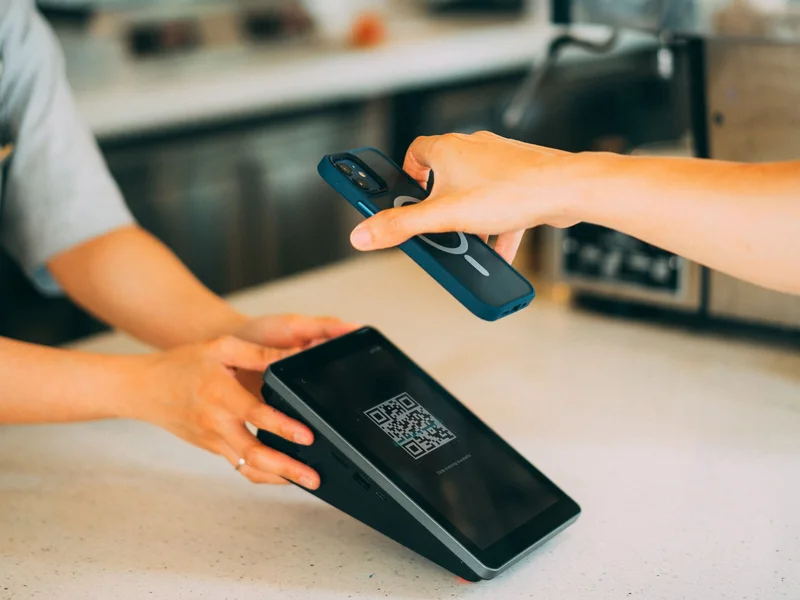
How This Fits With Weixin Pay and WeChat Pay
For overseas visitors, Tencent's payment ecosystem is usually discussed through Weixin Pay or WeChat Pay. Tencent has already published official information about making digital payments easier for visitors to the mainland of China. In a 2024 company update, Tencent said overseas users could register WeChat with an overseas mobile number and link eligible international cards to Weixin Pay, with higher limits available after identity verification. Tencent also described work on overseas wallet interoperability and visitor payment guidance.
You can read Tencent's official background here: Tencent further enhances digital payment services for visitors to China. For the broader Tencent cross-border payment platform, see TenPay Global.
TenPayGo should be understood against that larger background. It may make part of the visitor experience simpler, but the practical question is still the same: can your own phone, card, country or region, and identity information pass the setup requirements before you need to pay in China?
Why This Matters for International Travelers
China is a highly mobile-payment-oriented travel environment. Many daily purchases are easiest with a phone: convenience stores, cafes, restaurants, taxis, attraction shops, metro-related services, vending machines, and small merchants. International bank cards are useful in some hotels and larger businesses, but they are not a universal answer for everyday travel.
The official Guide to Payment Services in China from the People's Bank of China, published on the State Council English website, frames payment options broadly rather than relying on only one method. That is the right mindset for travelers: mobile payment, bank cards, cash, and other supported methods should be considered together.
For a broader practical overview, read how international travelers can pay in China.
What Travelers Should Check Before Using TenPayGo
Because TenPayGo is new, do not assume all functions are available to every traveler immediately. Before relying on it, check the current official app listing, supported countries or regions, supported phone numbers, eligible cards, verification requirements, service language, fees, refund handling, transaction limits, and whether the app is available in your App Store region.
Also check whether the app supports the payment situations you actually expect: merchant QR codes, your card issuer, bill management, transaction records, local services, and any transport or lifestyle functions that may be added later. If a feature is described as coming later, do not plan your trip around it yet.
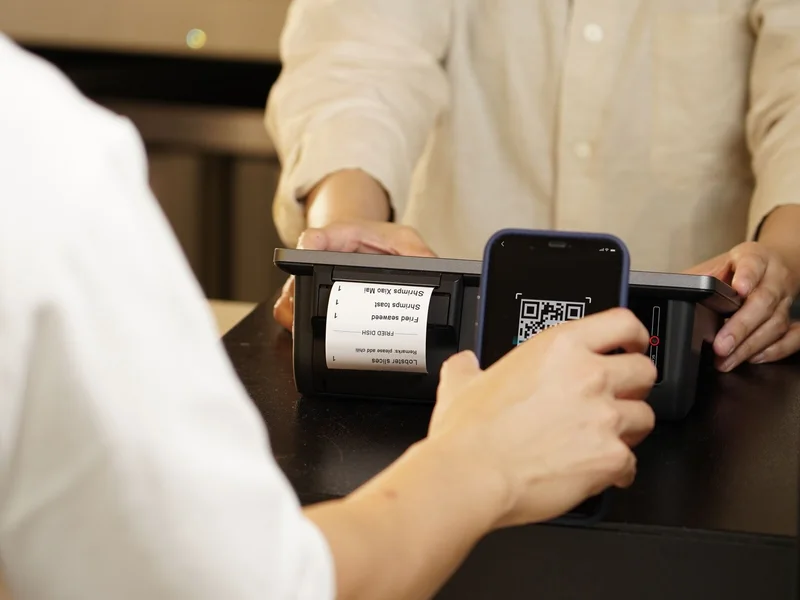
Keep Backup Payment Methods
Even if TenPayGo works for you, keep backups. Payment apps can fail because of network problems, bank risk controls, card verification issues, account limits, low phone battery, app updates, or merchant-side problems. The first few days of a trip are the worst time to discover that your only payment method is not ready.
A practical backup setup can include:
- TenPayGo or another Tencent payment route if it works for your device and card.
- WeChat or Weixin Pay setup if supported for your account.
- Alipay setup as a second major mobile-payment option.
- One or more international bank cards for hotels and larger merchants.
- A small amount of RMB cash for situations where phone payment is not convenient.
- Offline copies of hotel addresses, booking records, and emergency contacts.
For setup preparation, see how international travelers can prepare for mobile payments in China, how to set up WeChat Pay for China travel, and how to set up Alipay for China travel.
What Not to Assume
Do not assume TenPayGo means cash is unnecessary, all cards will work, all merchants will support every payment flow, or every traveler will have the same setup experience. Payment tools can behave differently depending on the card issuer, country or region, phone number, identity documents, app version, and merchant environment.
Also do not assume that a successful small test payment guarantees every later payment will pass. Banks and payment providers may apply risk checks, daily limits, single-transaction limits, or verification prompts. This is why travelers should test early and keep alternatives available.
How to Prepare Before Arrival
Before your trip, install or update the payment apps you plan to use, read the official app listing, check the card you want to link, and bring the phone number that can receive verification messages. If identity verification is required, make sure your passport details are entered carefully and match your travel document.
Do one small test payment after arrival if possible, but do not wait until a taxi line, railway station, or late-night hotel check-in to discover that something is missing. Payment preparation belongs in the same folder as your passport, hotel address, train booking, and emergency contacts.
For offline planning, read what to save offline before traveling to China.

How to Think About TenPayGo Right Now
TenPayGo is worth watching because it signals that inbound payment tools are becoming more visitor-specific. If it works smoothly for your device, card, and travel route, it may become a useful part of your China payment setup. But the safest approach is still layered: check official information, prepare more than one payment method, test early, and keep small cash and cards available.
For most international travelers, the goal is not to choose one perfect payment app. The goal is to avoid being unable to pay when it matters: airport arrival, hotel check-in, transport, meals, attraction days, and small daily purchases.
Quick Checklist
- Check the current TenPayGo App Store listing before departure.
- Confirm whether your country, phone number, card, and device are supported.
- Prepare WeChat Pay or Weixin Pay and Alipay as broader backup options.
- Keep an international card available for hotels and larger merchants.
- Carry a small amount of RMB cash for backup.
- Save payment-related notes, hotel addresses, and support contacts offline.
- Test payment early in the trip, before a high-pressure situation.
- Use official sources for current limits, fees, verification steps, and app changes.